Beta 0.1.1 — Now Available

VibeForge

Code Your Vibe. Forge Your Future.

The multi-terminal AI workspace built for vibe coders. Run Claude, Gemini, Codex, and GitHub Copilot side-by-side across every project — all in one electric interface.

Download Beta 0.1.1 View on GitHub

Windows 10/11 · macOS & Linux coming soon
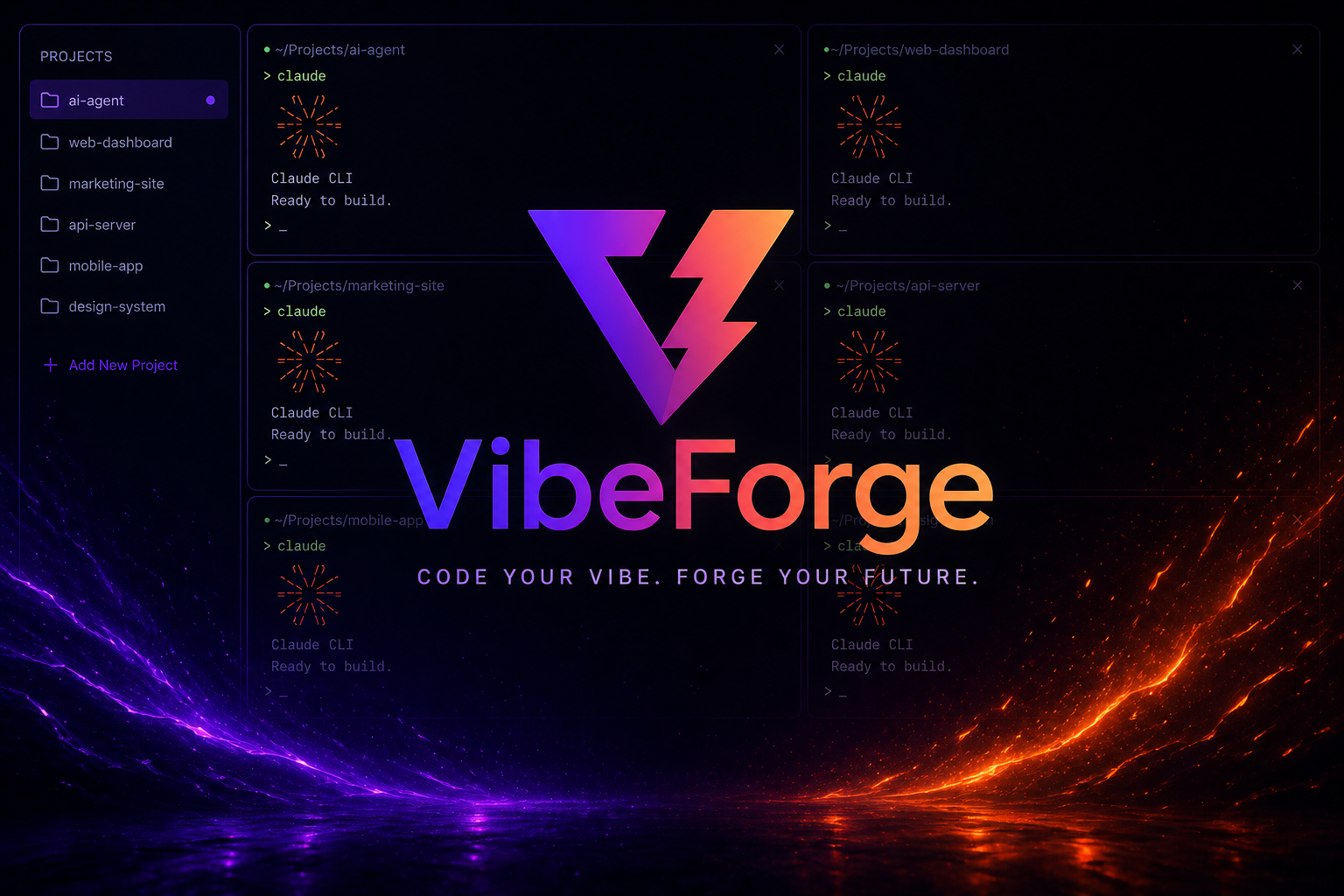
VibeForge Interface — multi-terminal AI workspace

Everything you need to
vibe code at full speed

One workspace. Every AI. Total control. VibeForge is engineered for developers who move fast with AI and need their environment to keep up.

AI-Centric Workflow

Pre-configured integrations for Claude CLI, Codex CLI, Gemini CLI, and GitHub Copilot CLI. New terminals auto-launch your preferred AI tool. Optional bypass mode for power users.

Claude CLI Gemini CLI Codex CLI GitHub Copilot CLI Auto-bootstrap
🖥️

Advanced Terminal Grid

True terminal emulation powered by xterm.js and node-pty. Dynamic grid auto-adjusts as you open sessions. Persistent sessions with responsive resizing.

xterm.js node-pty Multi-grid Persistent
📁

Project & File Management

Browse, create, rename, and manage projects from the sidebar. Built-in file explorer and a surgical code editor with syntax highlighting for JS, TS, Python, and more.

File Explorer Code Editor Multi-project Syntax HL
🎨

Deep Customization

Live-updating theme engine. Collapsible sidebars. Frameless window with custom title bar. Industrial-minimalist design built for long sessions and total flow.

Theme Engine Frameless Electron Collapsible UI
~/Projects/my-app
VibeForge v0.1.1 — AI session active
claude
✦ Claude CLI
Ready to build. What are we forging?
Refactor the auth module to use JWT
✦ Analyzing src/auth/...
✓ Found 3 files to update
Rewriting auth.ts with JWT strategy...
✓ auth.ts updated
✓ middleware.ts updated
✓ types.d.ts updated

Your AI sessions,
exactly how you work

VibeForge gives every project its own live shell. Switch between the file explorer, code editor, and terminal without losing a single session.

  • Prompt Recommendations — quick-access guide with battle-tested prompts for refactoring, bug hunting, and feature shipping.
  • Global & Project Overrides — set a default AI globally or override per project in seconds.
  • Bypass Mode — launch with permissions bypassed for power users who know what they're doing.
  • Auto-Bootstrap — open a terminal, AI is already running. No commands, no config, no friction.

Works with every
frontier AI CLI

VibeForge is AI-agnostic. Use one, all, or mix them across projects.

Claude CLI
+
Gemini CLI
+
Codex CLI
+
GitHub Copilot CLI

More integrations coming soon

⬡ Beta 0.1.1 — Windows

Ready to forge
your future?

Download the beta today and transform how you code with AI. Free. No account required. Just pure vibe.

Windows 10/11 · macOS & Linux — coming soon

Common questions

VibeForge is a high-performance desktop application for AI-assisted development ("vibe coding"). It lets you run multiple AI CLI sessions — Claude, Gemini, Codex — simultaneously across different projects in a unified, grid-based terminal workspace. Built on Electron, React, and Vite.

Yes — the beta is completely free. No account required, no telemetry, no strings. Just download and run. Future pricing plans may be introduced as the product matures, but the core experience will always have a free tier.

The current beta (v0.1.1) is Windows-only (Windows 10 / 11). macOS and Linux builds are in active development and will be released in an upcoming beta. Watch the GitHub repo for release announcements.

Yes. VibeForge is a workspace layer — the AI CLIs themselves (Claude CLI, Gemini CLI, Codex CLI, and GitHub Copilot CLI) need to be installed and authenticated separately. VibeForge provides the multi-session management, auto-launch, and unified interface on top of them. Essential guides are bundled in-app for zero-config onboarding.

Bypass Mode launches AI CLI tools with their permission prompts bypassed — useful for power users who want to move fast without interruption. It requires explicitly accepting a warning prompt that acknowledges the risks. Use with care on production codebases.

Head to the GitHub Issues page to file a bug report or feature request. All feedback is welcome — this is a beta and your input directly shapes the roadmap.